
How to Create a Professional Film Trailer That Gets Noticed
Editorial Team · October 23, 2026 · 14 min read
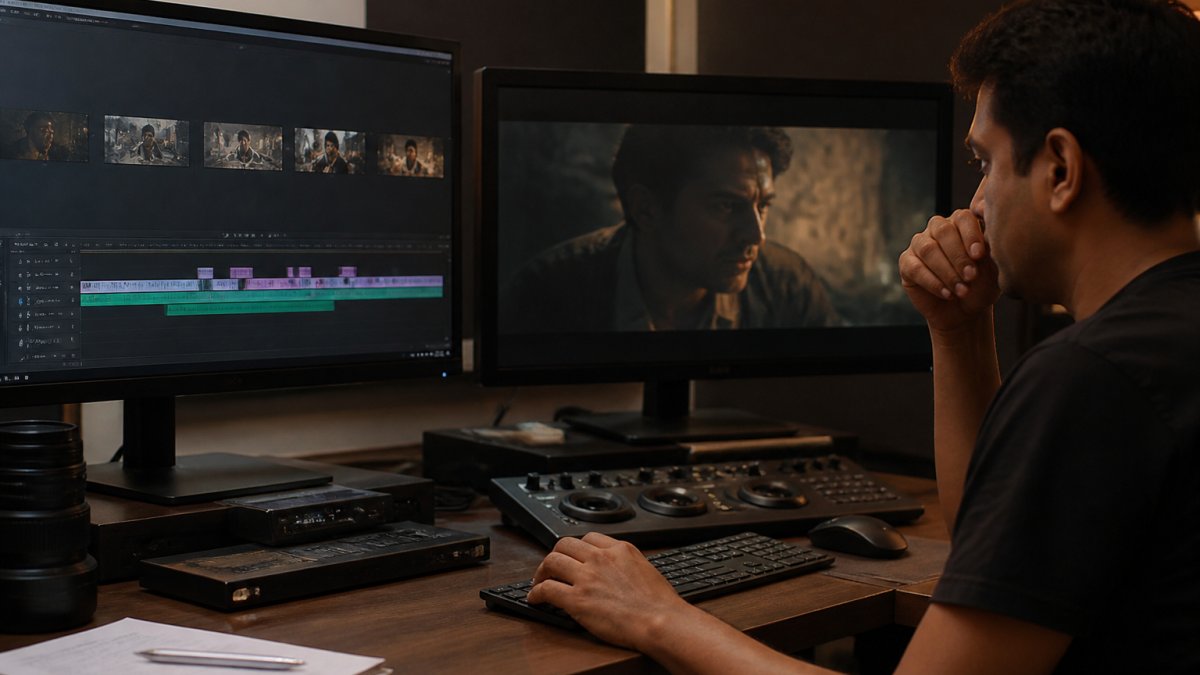
Last Updated: October 23, 2026
Quick Summary
To create a professional film trailer, build it on a three-act structure that hooks viewers in the first few seconds, then plan it with a short script template covering the opening image, setup, escalation beats, peak moment, and title card. Keep it around 90 seconds to 2 minutes 30 seconds, layer music, sound design, voice-over and dialogue, and clear every license before you cut.
- A teaser runs 30 to 60 seconds, while a standard trailer runs 90 seconds to 2 minutes 30 seconds.
- Write the voice-over last, after the picture is locked, and keep total spoken words low.
- Cut two versions that differ in one variable and keep the one that held attention longer.
- Mix for the phone speaker first and confirm dialogue stays audible without headphones.
- Test with five to ten viewers and note the exact second attention drops.
Table of Contents
- Why a Professional Film Trailer Decides Your Film's Fate
- Start With a Film Trailer Structure That Hooks Early
- Building Your Movie Trailer Script Template
- How Long Should a Movie Trailer Be?
- Music, Sound Design, and Voice-Over That Carry the Story
- Film Trailer Editing Tips for Pacing and Rhythm
- Testing Your Trailer Before You Submit It
- Getting Your Trailer and Film in Front of an Audience
- Frequently Asked Questions
Why a Professional Film Trailer Decides Your Film's Fate
A professional film trailer is the single piece of marketing that decides whether anyone watches your finished film. According to Bridget Hill's 2024 honors project on trailer marketing tactics, trailers use specific editing and marketing choices to build box-office interest, and those choices can be studied, copied, and improved.
That matters more now than ever. Industry analysis from Stephen Follows on the film industry's new shape notes that creators are increasingly expected to bring reach and momentum to a project before it is finished.
At BongFlix, we review trailers from independent India-based filmmakers, and the gap between a rough cut and a finished one is usually craft, not budget.
Start With a Film Trailer Structure That Hooks Early
A strong film trailer structure answers one question in the first few seconds: why should I keep watching? Get that wrong and nothing later can fix it.
The Three-Act Shape of a Trailer
Trailers borrow the same three-act shape as the films they sell, just compressed. Current professional guidance describes a standard six-step trailer workflow built on a three-act structure, followed by scripting, shot selection, music timing, title cards, and export (Pexo.ai trailer tutorial).
Here is how we map that shape:
- Act one: establish the world and the main character in a few shots
- Act two: introduce the conflict and raise the stakes
- Act three: hit the emotional peak, then land the title and release information
The hook belongs at the very top, before the story starts. A striking image, a line of dialogue, or a single sound can do it.
Choosing Footage Without Spoiling the Film
The most common mistake is cutting a trailer that gives away the ending. Pick shots that create questions, not answers.
- Choose moments of tension, not resolution
- Save your best twist for the film itself
- Use reactions and glances instead of full scenes
Building Your Movie Trailer Script Template
A movie trailer script template keeps your edit from drifting. It is a short written plan, not a full screenplay, and it saves hours.
We use a simple structure that any filmmaker can fill in:
- Opening image: one shot that sets tone (5 to 10 seconds)
- Setup line: one sentence that names the character and the world
- Inciting moment: the event that changes everything
Write the voice-over or dialogue lines next to each beat, and keep total spoken words low.
This template also helps when you submit your film to BongFlix. A clear trailer makes it easier for our team to see what your film is and how to present it to viewers on the BongFlix YouTube channel and the BongFlix Amazon Prime Video channel in the USA.
How Long Should a Movie Trailer Be?
A movie trailer should run about 90 seconds to 2 minutes 30 seconds for most films. Teasers work shorter, often under a minute, because they sell mood rather than story.
Length depends on what the trailer needs to do:
- Teaser: 30 to 60 seconds, one image or idea
- Standard trailer: 90 seconds to 2 minutes 30 seconds
- Full trailer: up to 3 minutes for feature films with complex plots
Shorter is usually safer. Attention drops fast on a phone screen, so cut your trailer, watch it once, then cut 15 seconds more.
Music, Sound Design, and Voice-Over That Carry the Story
Sound does more work in a trailer than most filmmakers expect. A 2026 industry trend report notes that audience resonance comes from real footage, real emotion, and real intention (Filmsupply 2026 commercial filmmaking trend report). Sound is where that emotion gets amplified, and it is also where most independent trailers quietly fall apart before they ever reach a viewer.
Build Your Audio in Layers
Treat the audio as four separate tracks that you mix together, not one blob of sound.
- Music bed: one track that rises and falls with the story, carrying the emotional arc
- Sound design: hits, risers, whooshes, and silence that mark key cuts and transitions
- Voice-over: short lines that guide the viewer, used sparingly and recorded clean
Silence is a tool. Dropping the music for a second before a big moment makes it land harder, and a single held note under a title card can do more than a full orchestral swell.
The Licensing Trap Most Guides Skip
This is the part that can sink a finished trailer. Every piece of music, stock sound effect, and voice sample you did not create yourself carries a license, and that license has to cover how you plan to use the trailer.
- Production music libraries grant rights for specific uses; read whether the license covers distribution and promotion, not just a personal screening
- Stock audio and sound-effect packs often have separate terms for commercial use versus personal projects
- Popular songs almost never come with a license you can afford or clear as an independent filmmaker, so build around them rather than against them
A common pattern is a filmmaker cutting a beautiful trailer to a track found online, then discovering the license does not extend to distribution.
Mix for the Small Speaker First
Most viewers will hear your trailer through a phone speaker, so mix for that first.
- Confirm dialogue is audible on a phone speaker without headphones
- Check that the music does not bury the voice-over
- Watch for clipping on loud hits and risers
If the dialogue disappears on a phone, remix it. A trailer that sounds thin on a phone loses viewers before the story even starts.
Voice-Over Rules That Keep It Human
- Write the voice-over last, after the picture is locked
- Keep total spoken words low; a trailer with too much talking feels like a lecture
- Record in a quiet room with a decent microphone, not on a laptop mic
When your audio and licensing are clean, your trailer is ready to present to the BongFlix team.
Film Trailer Editing Tips for Pacing and Rhythm
Pacing is where a good trailer becomes a great one. The cut controls how the viewer feels, second by second, and the difference between a rough cut and a finished one is usually rhythm, not budget.
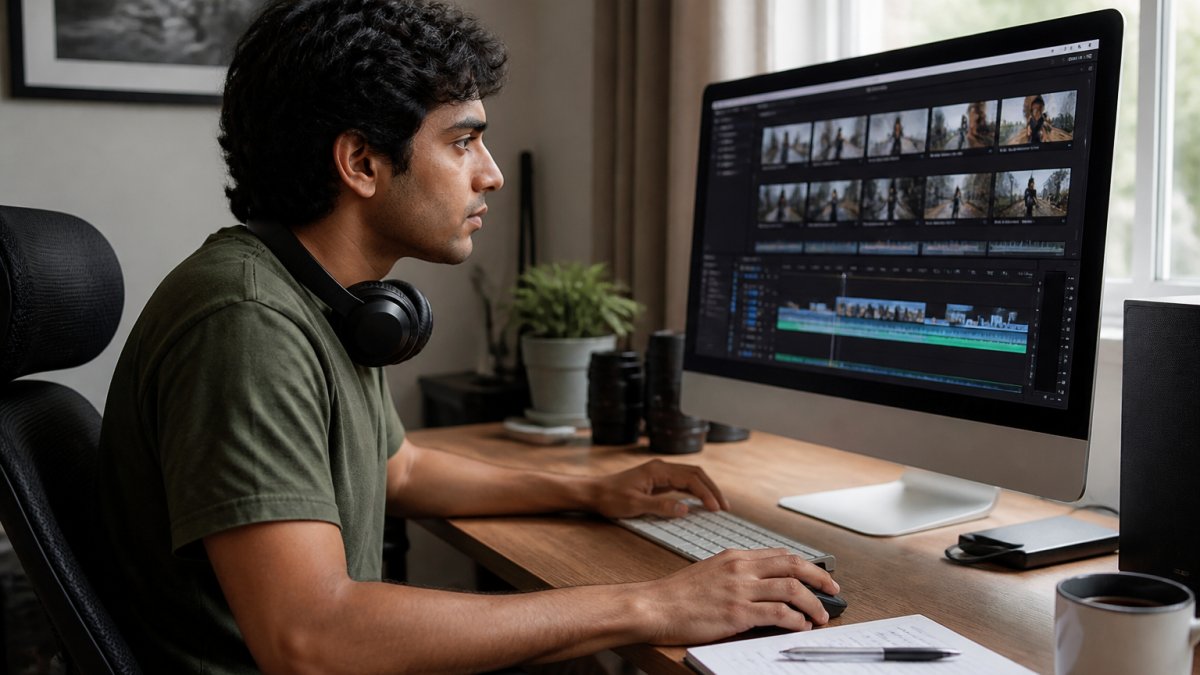
The Psychology Behind the Cut
Every editing choice in a trailer does a job on the viewer's attention. Understanding the why makes the choices easier.
- The slow build starts with longer shots and a quiet track, then tightens cut length and raises volume so the viewer feels the pressure without being able to name it
- The jump cut breaks continuity on purpose to create unease or urgency, and it works best when the viewer already understands the space
- The hard cut to silence removes the sound the viewer was leaning on, which forces them to pay attention to the next image
A common pattern is a trailer that is loud from the first second. Without a quiet stretch to contrast against, the loud moments stop feeling loud.
Cutting for Tension and Release
Start slow, then tighten. Early shots can breathe for two or three seconds. By the middle of the trailer, cuts should come faster, building tension. Then release it with one held shot or a beat of silence.
A few rules we follow:
- Match cuts on motion so the eye flows
- Use a montage for escalation, not for filler
- Hold your longest shot at the emotional peak
Test Two Cuts, Not One
This is the angle most guides skip, and it is the cheapest improvement you can make. Cut two versions that differ in one clear way, then show them to separate small groups and compare.
- Version A versus Version B: change one variable at a time, such as the opening shot, the music track, or the length of the first act
- Ask the same two questions: where did you lose interest, and what do you think happens next
- Note the exact second attention drops in each version and compare the two timelines side by side
A/B testing trailer versions is not a studio luxury. It is a notebook, a phone, and ten honest viewers. A different opening shot or music track can change how the whole trailer feels, and you will only know which works by showing both to people who do not know your film.
Mobile-First Checks Before You Export
Most viewers will watch your trailer on a phone, so treat the phone as the primary screen.
- Watch the full trailer on a phone before you call it done
- Check that title cards are readable on a small screen
- Confirm the audio is loud enough without clipping
Export at a high bitrate in a standard codec, and confirm the frame rate matches your source footage. A trailer that stutters or looks soft on a phone reads as amateur.
Testing Your Trailer Before You Submit It
Test your trailer with a small group before anyone else sees it. Show it to five to ten people who do not know your film and ask two questions: where did you lose interest, and what do you think happens next?
- Note the exact second attention drops
- Cut or replace whatever caused it
- Check whether viewers understood the genre
Getting Your Trailer and Film in Front of an Audience
A finished trailer is only useful if it reaches viewers. This is where BongFlix comes in.
The process is simple:
- Submit your film details and trailer through a secure link
- If approved, receive a license offer for Amazon Prime Video USA distribution rights
- Sign the agreement electronically
- Complete the intake
Your film can then reach viewers through the free BongFlix YouTube channel and the BongFlix Amazon Prime Video channel in the USA, which viewers subscribe to separately.
Ready to take the next step? Submit your film to BongFlix and put your trailer to work.
A great trailer takes craft, patience, and honest feedback. Visit BongFlix to learn more, or follow the BongFlix YouTube channel to see the kind of films we feature.
Frequently Asked Questions
What should a professional film trailer include?
A professional film trailer needs a clear hook in the first few seconds, a title treatment, a logline that sets up the story, and a closing call to action. Industry guidance for 2026 lists eight core assets in a professional film package: title treatment, logline, synopsis, key art, stills, a trailer or teaser, a director statement, and cast or press information. Your trailer should also carry clean audio, consistent color grading, and correct export settings so it plays smoothly on any screen.
How do I choose scenes for a trailer without spoiling the film?
Pick shots that suggest tension, character, and place without revealing the climax or resolution. A three-act trailer structure sets up the world, raises the conflict, and then cuts before the payoff. Use your strongest visual moments and your most telling lines of dialogue, but leave the ending open. A 2024 study of trailer editing tactics found that the best trailers build interest through suggestion rather than full disclosure, so let the audience fill in the gaps.
Can AI help create a film trailer?
Yes, for parts of the process. A 2025 paper introduced TRAILDREAMS, a framework that uses a large language model to automate movie-trailer production, and 2026 toolkits include AI platforms for generating assets. Use AI to speed up storyboarding, rough cuts, or title cards, but keep the story decisions yours. Authentic footage and real emotion still drive audience interest, so treat AI as an assistant in post-production, not a replacement for your edit.
How long should a film trailer be?
Most trailers run between one and three minutes, and teasers are shorter. The right length depends on your genre and where the trailer will play, so build a tight cut that holds attention and test it on a phone screen. Mobile viewers decide fast, so front-load the hook. Once your trailer is ready, you can submit your film and trailer to BongFlix at bongflix.com/content-acquisition for consideration.

